Photography CRM
Photography CRM Software for Studios: The Complete Photography Business Management Guide
A long-form guide to photography CRM software, photography business automation, and client management for studios that want more bookings and better operations.
By 7CRM Team28 min read
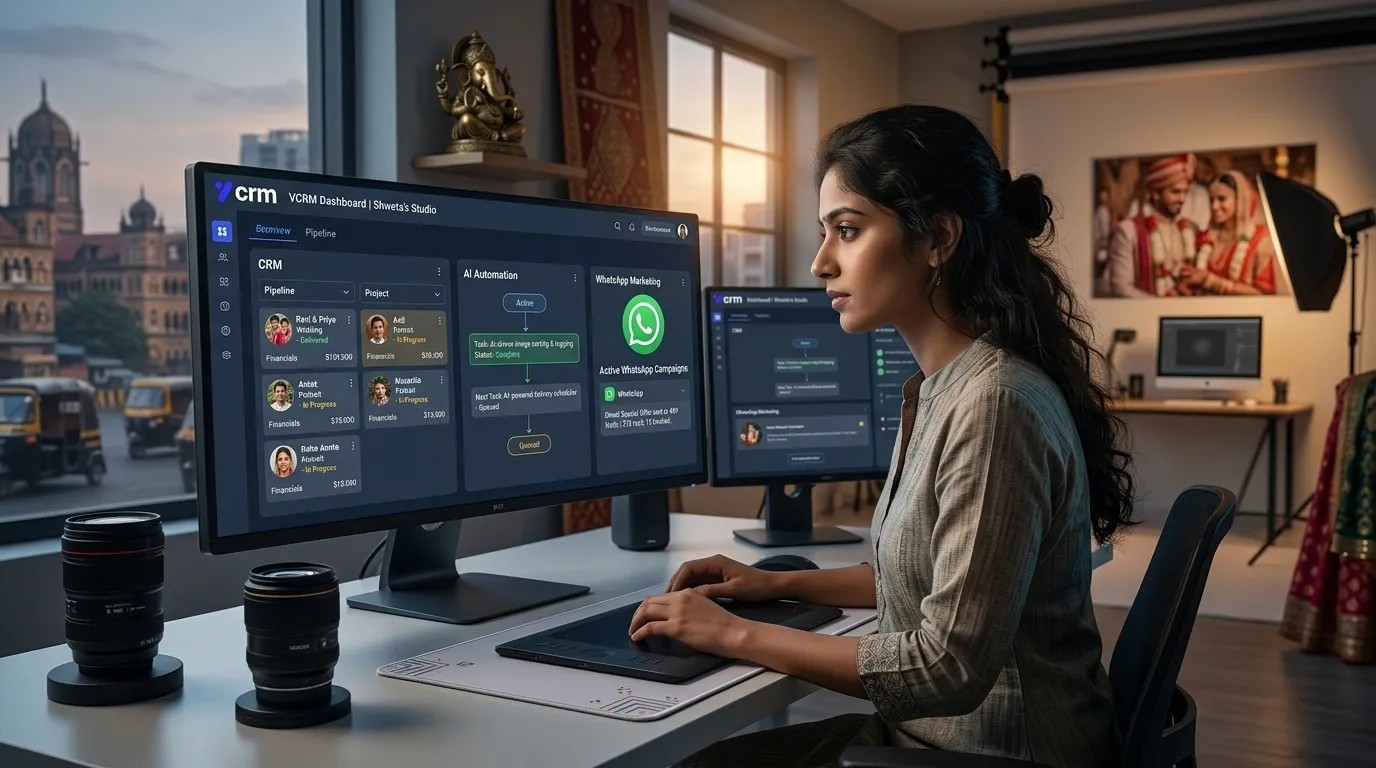
Photography CRM software has moved from being a nice extra to becoming the operating system of a serious studio. Modern photographers are expected to answer quickly, quote professionally, remember every lead source, follow up at the right time, track who booked and who disappeared, coordinate the team, collect payments, and deliver a smooth customer experience from first message to final gallery. When all of that is managed manually across notebooks, spreadsheets, personal WhatsApp chats, sticky notes, and memory, the business starts leaking revenue in silent ways. Enquiries are delayed, offers are sent late, returning clients are forgotten, and staff members keep asking each other for the same information. A dedicated photography business management tool solves this by giving the studio one place to organize every stage of the client journey. Instead of reacting to chaos, the team can run the business with a structured workflow that supports faster communication, higher trust, and more predictable bookings.
The real value of a photography studio CRM is not only that it stores customer names and phone numbers. The real value is operational memory. A strong CRM for photographers remembers enquiry source, preferred package, customer notes, follow-up date, shoot category, promised pricing, payment stage, assigned coordinator, and delivery commitments without depending on one person to keep everything in mind. That matters for baby photoshoot studios, maternity photographers, newborn specialists, portrait brands, wedding teams, event photographers, and freelance photography businesses because every one of those niches depends on trust and timing. The client usually chooses the studio that responds clearly, sounds organized, and makes the next step easy. Photography CRM software helps the business look reliable even when enquiry volume is high. It replaces scattered communication with one disciplined system for lead capture, booking movement, campaign outreach, and customer care.

A recognizable photography CRM brand presence helps studios look more professional while their internal workflow becomes more organized.
What a Photography Business Management Tool Actually Fixes
Most photography business owners do not start by thinking they need software. They start by feeling busy. They notice that replies are delayed because messages came from too many places. They notice that enquiries from Instagram are handled differently from enquiries from the website. They notice that one team member follows up properly while another one forgets. They notice that repeat customers are not being marketed to even though those customers already trust the brand. They notice that files, payment screenshots, contracts, and delivery promises live in different places. Over time, these small gaps become expensive. A photography client management system fixes those gaps by connecting marketing, lead management, booking coordination, and customer history into one process. The studio stops depending on individual memory and starts depending on a visible system. That single change can improve response consistency more than hiring another person without changing the workflow.
For many studios, the biggest immediate win from photography studio management software is speed. Faster response speed creates more trust, and trust raises conversion. But speed alone is not enough. The response has to be relevant. The system should know whether the enquiry was for a newborn session, maternity package, wedding shoot, product photography assignment, or family portrait. It should know whether the client asked for price, availability, themes, sample work, or a call back. It should know whether a quote was sent, whether the client opened it, and whether someone should follow up tomorrow or next week. A strong photography lead management system turns vague interest into visible stages, and visible stages make it possible to coach the team, improve response templates, and reduce the number of leads that disappear just because nobody took the next step.
- Capture leads from website forms, Instagram, Facebook, WhatsApp, referrals, and direct calls
- Segment enquiries by baby shoot, maternity, wedding, family portrait, event, or premium package
- Track status from new enquiry to quoted, follow-up, booked, cancelled, completed, and upsell
- Store package preference, customer notes, payment stage, and promised callbacks in one record
- Assign sales, coordinators, photographers, and editors without losing accountability
- Reconnect with past clients for milestone sessions, anniversary shoots, and repeat bookings
Another critical benefit of photography business automation is standardization. Good studios often have strong founders who can personally convert leads, but the business becomes inconsistent when the team grows because each person develops their own style of replying, quoting, and following up. One coordinator may sound warm but forget urgency. Another may respond quickly but miss details. Another may overpromise on delivery. A well-designed photography CRM software platform gives the studio approved message flows, lead stages, offer templates, and operational checklists so the brand voice becomes consistent. This consistency improves conversion, protects client expectations, and gives management better control over quality. Instead of only measuring results after problems happen, the studio can shape better behavior during the sales and service process itself.
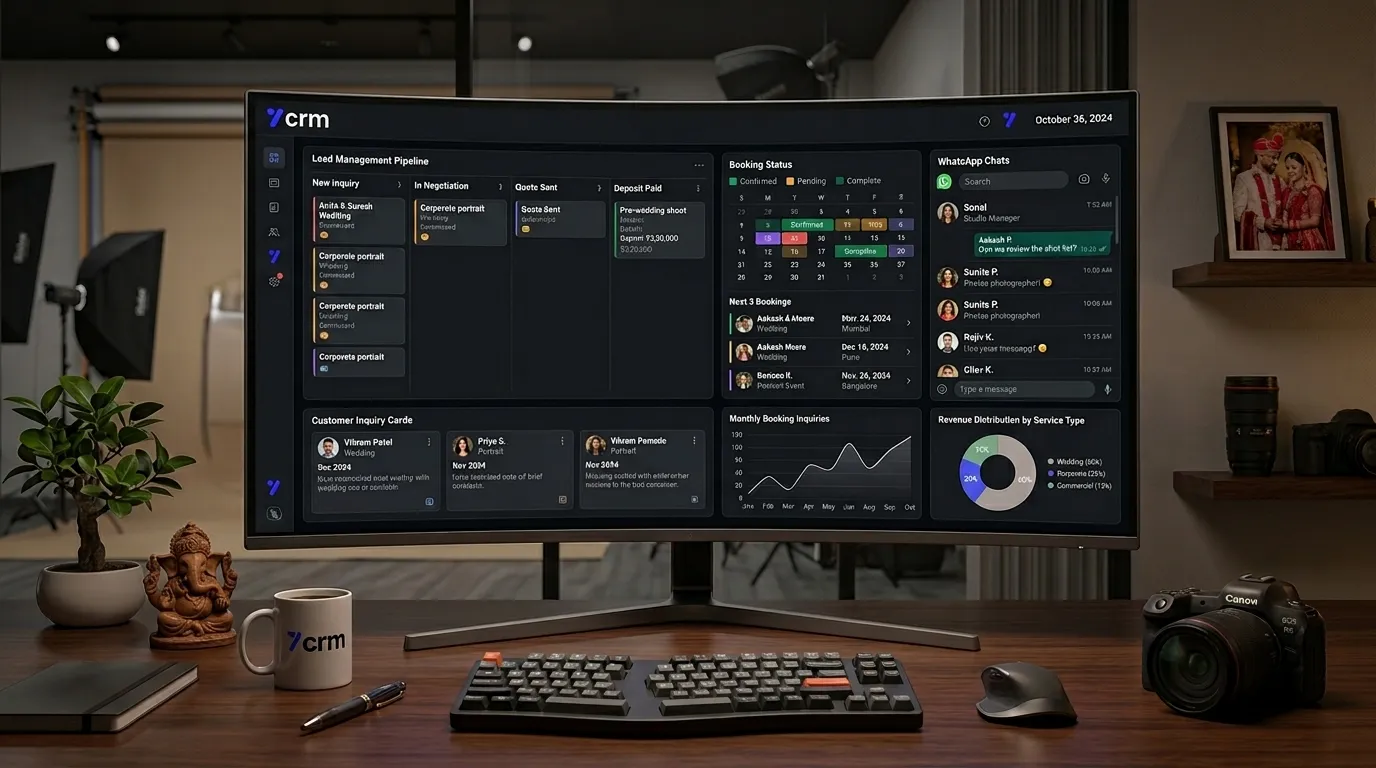
A photography lead management system gives every team member visibility into customer status, enquiry source, and next follow-up action.
Lead Management Is the Foundation of Photography CRM Software
Lead management is where most photography growth problems begin and where most solutions should begin too. A studio might have beautiful work, attractive packages, and strong social proof, but without a reliable photography lead management system, those strengths do not consistently convert into bookings. Every enquiry should enter the CRM with a category, source, urgency level, and owner. That alone creates a major difference in sales discipline. The studio can finally answer simple but powerful questions: which channels bring quality leads, which package categories convert best, which coordinator closes better, how long it takes to book different shoot types, and how many enquiries were lost because nobody followed up at the right time. These are not vanity metrics. They are the operational signals that show where revenue is won or lost. When management can see them clearly, process improvements become much more effective.
Photography CRM software also helps studios avoid a common trap: treating every lead the same. A wedding lead may need a consultation flow, sample album references, payment milestones, and family involvement. A newborn session lead may need fast reassurance around safety, timing, themes, and comfort. A birthday shoot lead may respond better to package comparisons and date availability. A photography business management tool lets the studio build different qualification paths for different categories so follow-up becomes more relevant. This improves customer experience while increasing booking conversion because the studio is not forcing every conversation into one generic script. Relevance matters in photography because the purchase decision is emotional. The studio that seems to understand the client’s exact need usually gains the advantage.
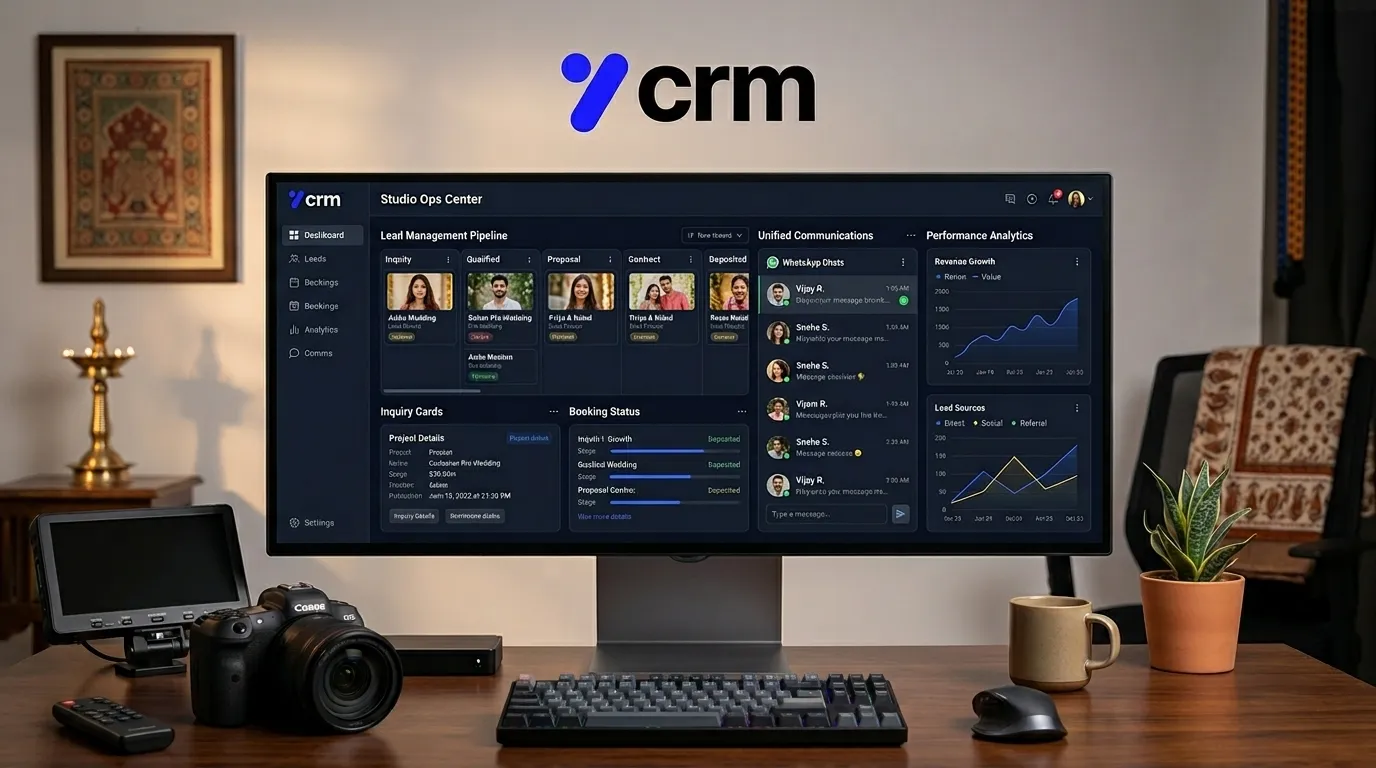
A studio CRM lets photographers and coordinators move enquiries through a clean, visible pipeline instead of relying on memory.
How Photography CRM Software Supports Better Booking Management
A booking is not the end of the sales cycle; it is the beginning of delivery operations. That is why photography studio management software should connect booking confirmation with schedule tracking, payment reminders, shoot preparation, and post-shoot communication. Once a client books, the studio needs to manage event dates, team allocation, outfit or theme planning, reminder messages, advance payment follow-up, and special notes. If these details remain disconnected from the lead history, the customer experiences a visible drop in professionalism after booking. Great studios keep the same sense of control after payment that they created during the enquiry stage. A photography CRM makes that possible because the same customer timeline can continue through booking, shoot preparation, file handling, selection, editing, and delivery. This continuity is what makes the business feel premium to the client.
Studios that run multiple shoots in a week especially benefit from centralized schedule visibility. A photography business management tool can reduce conflicts, double bookings, forgotten reminders, and last-minute staffing confusion. For growing studios, that matters because operational mistakes usually show up on busy days, not quiet ones. The CRM becomes a control room where upcoming sessions, payment due dates, delayed approvals, and pending selections are visible before they become emergencies. This also improves internal communication. Instead of repeatedly asking the owner for client context, the team reads the notes and action history in the system. That reduces stress, saves time, and makes it easier for the owner to focus on quality, marketing, and growth decisions instead of firefighting basic coordination issues every day.

Customer history, package notes, and booking status become much easier to manage when they are attached to one visible record.

A mobile-friendly photography CRM helps teams keep the process moving even when they are on location or between shoots.
Marketing, Retention, and Repeat Business in a Photography Marketing CRM
Photography growth is not only about acquiring new leads. Repeat business and referrals often generate the healthiest revenue because trust has already been built. A photography marketing CRM helps the studio use customer history intelligently. A baby photoshoot client may later need a six-month milestone session, first birthday shoot, school photos, or a family portrait. A wedding client may later need maternity, newborn, or anniversary photography. Without a structured photography client management system, those follow-up opportunities are rarely used well. With a CRM, customers can be segmented by category, date, package value, family stage, or engagement level, and the studio can send relevant campaigns instead of generic promotions. This makes marketing feel helpful rather than noisy, which protects brand value while increasing repeat bookings.
A practical photography business management tool should allow studios to run thoughtful re-engagement campaigns based on real customer history. The most successful campaigns are not random discount blasts. They are timely, specific, and tied to genuine customer needs. If a family completed a newborn session last year, a campaign for a first birthday portrait package is more powerful than a general studio announcement. If a wedding couple used premium services, a targeted anniversary or family session message can convert far better than a public advertisement. This is where photography marketing CRM capabilities create measurable value. The business can turn its client database into an active revenue asset instead of a forgotten archive of past conversations.
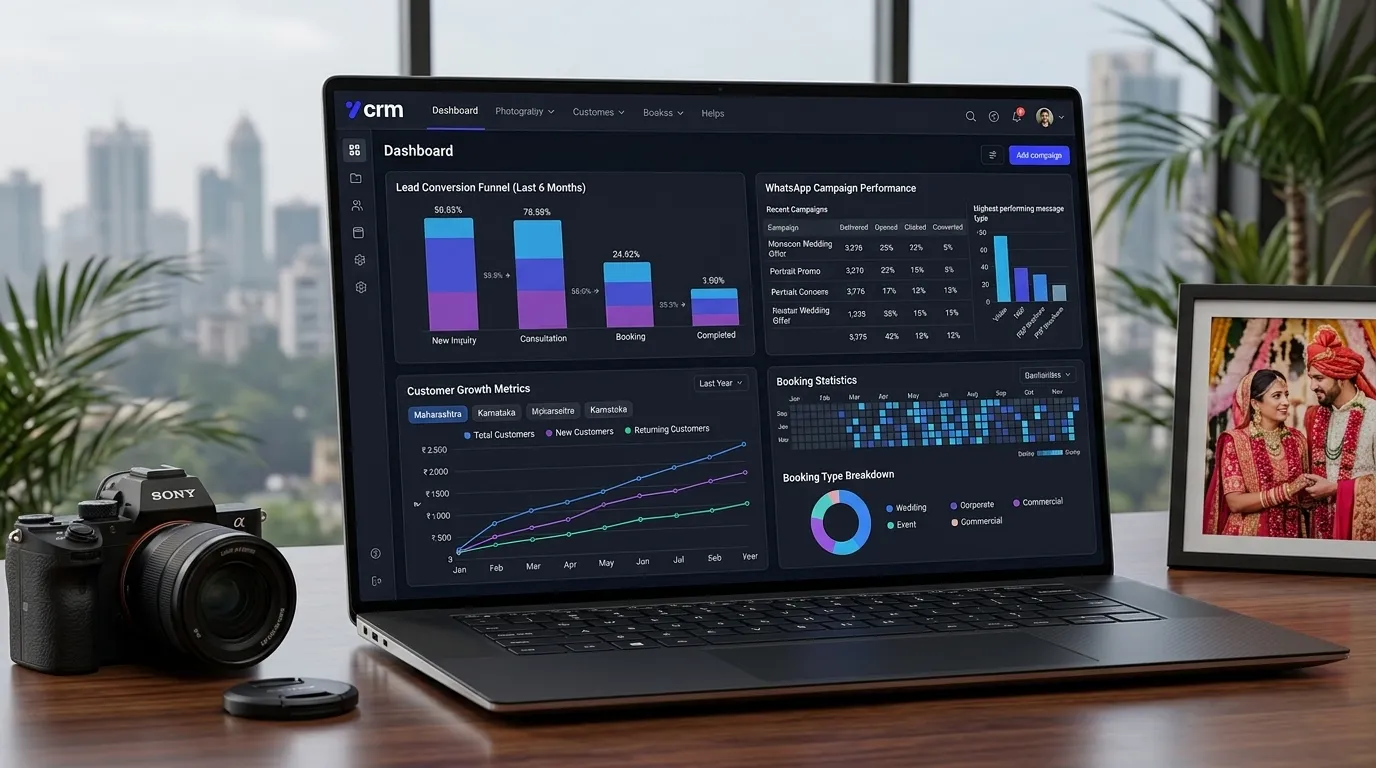
Campaign analytics and booking reports help studios understand which actions are driving sustainable growth.
Why AI and WhatsApp Features Strengthen a Photography Studio CRM
Clients increasingly expect immediate responses, especially on WhatsApp. That is why the best photography CRM software now combines lead tracking with AI communication support and WhatsApp workflow automation. Customers often ask the same early questions: What is the price, what packages are available, which dates are open, how does booking work, what themes are available, how long is delivery, and whether there are active offers. When the business can answer these questions quickly and consistently, it creates momentum. AI support does not replace the human side of photography. It protects it by handling repetitive communication so the team can focus on sales conversations, creative planning, and delivery quality. In that sense, AI inside a photography studio CRM is not a gimmick. It is an efficiency layer that helps the business stay responsive without hiring a large front-desk team.
WhatsApp remains especially important because photography is relationship-driven and mobile-first. A photography WhatsApp CRM brings enquiry capture, reminders, follow-up messages, package sharing, booking nudges, and campaign communication into one channel clients already use comfortably. That means studios do not need to force customers into a new communication habit. Instead, the CRM makes existing customer behavior easier to manage. For photography businesses that serve emotional occasions such as maternity, newborn, birthdays, and weddings, this combination of familiarity and structure is powerful. The business becomes easier to buy from. The customer asks, receives the right information, and moves forward with less confusion. Reduced friction almost always improves conversion.
The best photography CRM software turns fast communication, organized follow-up, and client trust into a repeatable studio growth system.

AI-assisted support keeps common enquiries moving while the studio team focuses on high-value conversations and creative planning.
Cloud Storage, Team Coordination, and Long-Term Business Efficiency
Photography businesses generate a large amount of operational data beyond just leads. They manage contracts, invoices, payment proofs, mood references, selected image lists, galleries, file delivery notes, and internal comments. Over time, the lack of organization in this information creates expensive delays. Editors wait for instructions. Coordinators search for payment screenshots. Owners dig through old chats to confirm promises. A photography business management tool that includes storage and structured client history reduces that waste dramatically. When each client record becomes a working folder for communication and operations, the business spends less time searching and more time delivering. This does not only improve internal efficiency. It also improves customer confidence because the studio sounds informed and prepared whenever the client reaches out.
For owners planning to scale, this long-term efficiency matters even more than short-term convenience. A photography studio can only grow sustainably when process quality survives team growth. The founder should not remain the only person who understands where each lead stands, which client paid an advance, what was promised in the package, and when delivery is due. Photography CRM software creates shared visibility, and shared visibility creates scale. The more the business depends on a structured photography client management system, the less it depends on founder memory. That is one of the clearest signs that a creative business is becoming an organized company. When that shift happens, growth becomes easier, customer experience becomes stronger, and marketing efforts stop being wasted by weak operations.
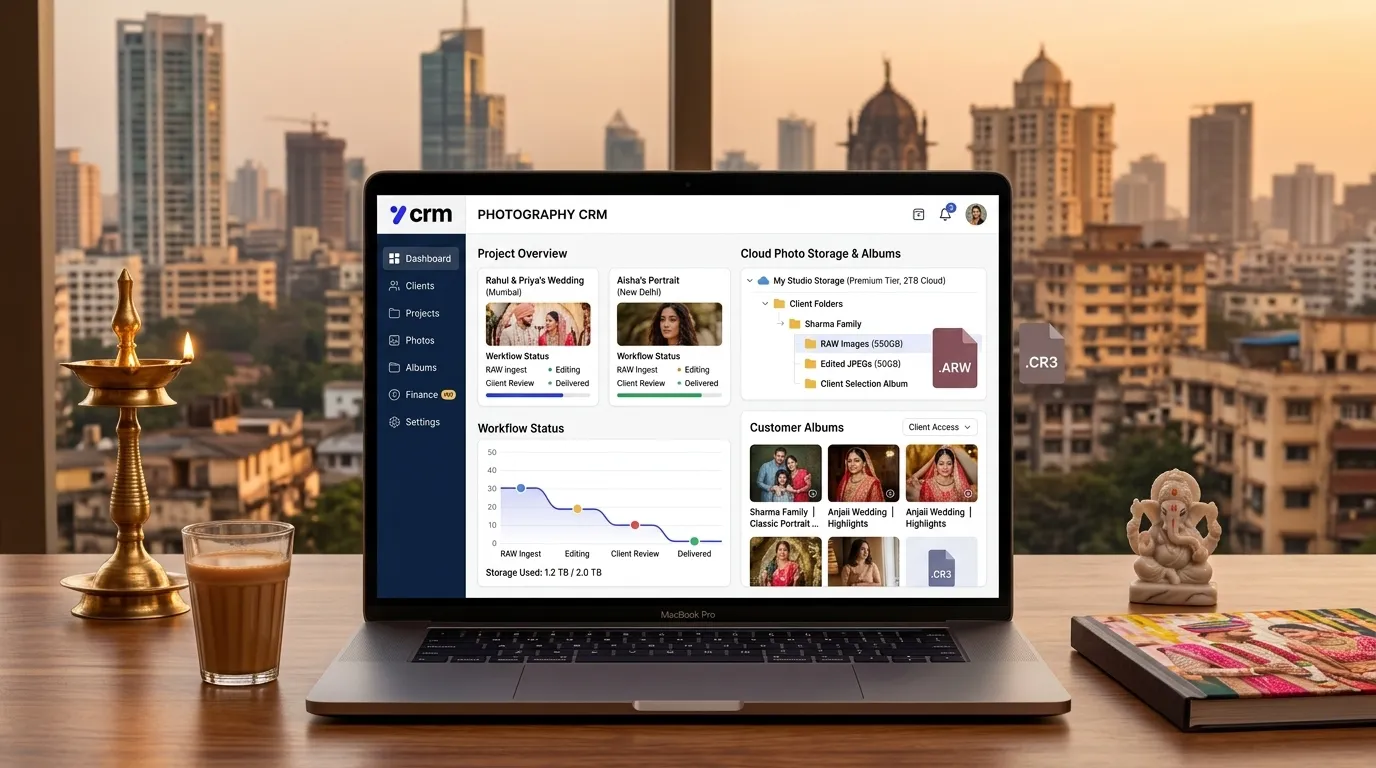
Storage connected to customer records helps studios keep delivery assets, documents, and communication aligned.
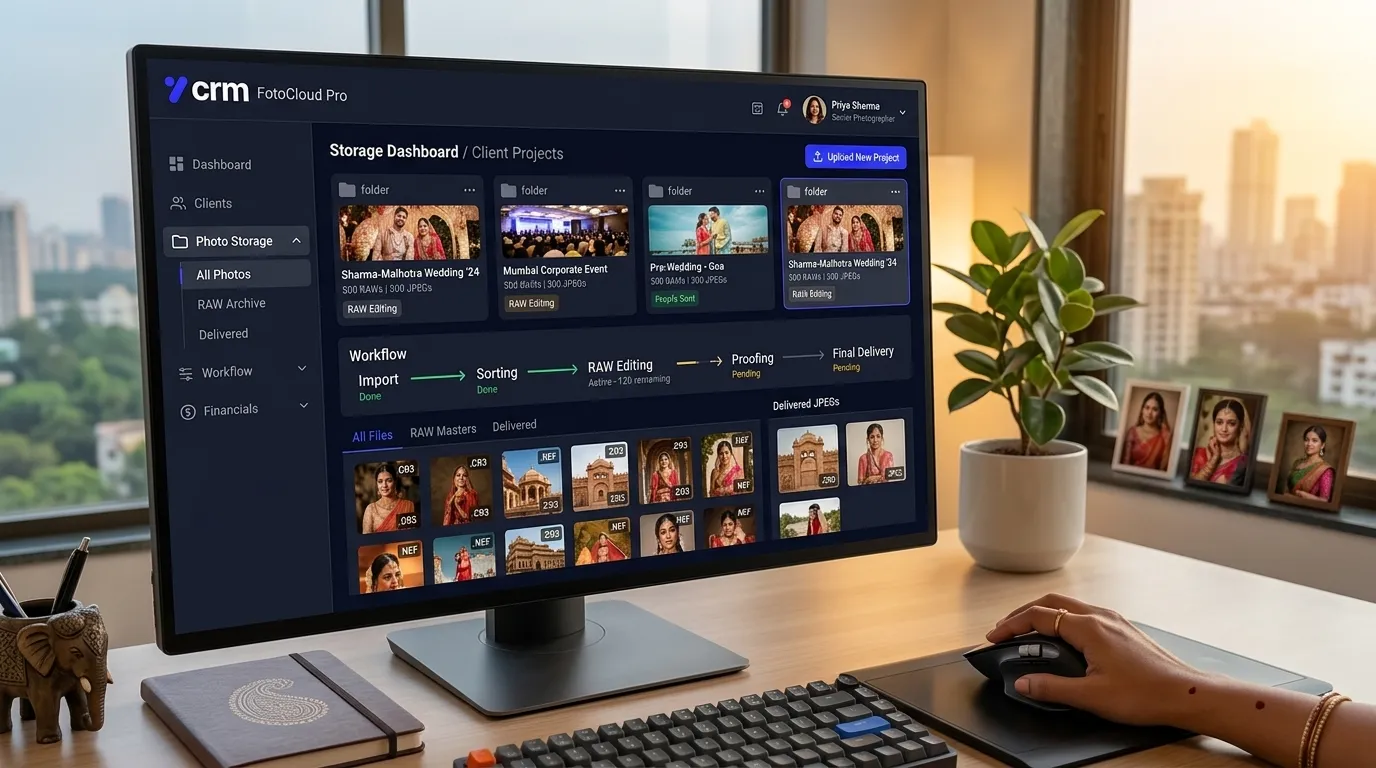
Organized client folders reduce search time and make repeat service, upsell, and support much easier for the team.
How to Implement Photography CRM Software Without Confusing Your Team
Many studio owners delay adopting a photography business management tool because they worry the team will resist change or feel overwhelmed by software. That concern is understandable, but the real problem is usually not the software itself. The problem is trying to launch everything at once. The smoothest CRM implementations start with one core process, usually lead capture and follow-up, because that is where the revenue impact is easiest to feel. Once the team gets used to updating lead status, assigning ownership, and recording next actions, the business can gradually bring in quotation management, booking reminders, payment tracking, and post-shoot workflows. This phased approach matters because it helps the team experience quick wins early. Instead of seeing the photography CRM software as extra admin work, they begin to see it as the reason fewer leads are forgotten, fewer calls are repeated, and fewer misunderstandings happen with customers.
Training should be practical rather than theoretical. A studio coordinator does not need a lecture on digital transformation. They need to know what to do when a baby photoshoot enquiry arrives, how to set a callback for tomorrow, how to mark a package as shared, and how to update a lead once an advance payment is received. A photographer does not need to know every CRM field. They need clean visibility into schedule details, special customer notes, and delivery commitments. A founder needs dashboards, approvals, and reporting. When implementation is role-based like this, adoption becomes easier because each team member sees only the parts of the photography studio CRM that help them do their job well. That is one reason the best CRM for photographers is not necessarily the one with the longest feature list. It is the one that maps most naturally to the way the studio already works and then improves that workflow step by step.
Good implementation also requires clear data discipline. If the studio wants accurate reporting from a photography lead management system, the team must agree on what each status means. For example, “quoted” should mean the package was actually sent. “Follow-up” should mean a date or action is scheduled. “Booked” should only be used after the business has received a genuine confirmation according to its process. These definitions sound small, but they are what make CRM data trustworthy. Without them, reports become misleading and management decisions become weaker. Once the team adopts shared definitions, the CRM starts creating operational clarity automatically. Managers can see conversion by source, stage drop-off, average booking time, and follow-up gaps with much more confidence, and that makes continuous improvement possible.
A helpful way to introduce photography business automation is to connect it to stress reduction, not just revenue. Team members usually embrace tools faster when they see how the tool prevents repeated headaches. If the CRM removes the need to search through old chats, ask the owner for forgotten details, or remember who was supposed to call which lead, adoption improves naturally. For a growing studio, that reduction in mental load is a serious operational advantage. The business becomes calmer because responsibilities are visible. Instead of carrying dozens of loose threads in memory, the team can trust the system to show what matters next. That calmness often improves customer experience too because staff members sound more prepared, more confident, and less rushed when they speak to clients.
SEO, Enquiry Quality, and Why a Photography CRM Helps Website Growth Too
Studios often think of search engine optimization and CRM as separate disciplines, but they reinforce each other strongly. SEO brings high-intent visitors to the website, and photography CRM software helps the business handle those visitors well after they enquire. If a studio ranks for terms such as photography CRM software, photography studio management software, baby photoshoot packages, maternity shoot booking, or wedding photography consultation, the incoming leads are often more informed and more ready to compare options seriously. That makes fast, structured lead handling even more important. An SEO visitor who submits a form and receives a slow or generic response is a wasted acquisition opportunity. A photography client management system protects that marketing investment by ensuring every website lead enters the sales process with a tracked source, category, and next action.
A CRM also helps the business learn which SEO topics and landing pages are creating real commercial value. Not every keyword drives the same kind of enquiry. Some terms bring informational visitors, while others bring customers ready to discuss dates and pricing. If the photography CRM tracks source details cleanly, studio owners can compare how leads from blog articles, service pages, local SEO pages, and paid campaigns behave over time. This feedback loop improves both marketing and operations. The business can publish more content around the topics that bring quality leads, while also tuning sales scripts and follow-up sequences to the questions those leads commonly ask. In that sense, a photography business management tool becomes part of a serious SEO strategy because it helps the studio measure not only clicks but commercial outcomes.
- Use CRM source tracking to compare leads from blogs, service pages, local SEO, and paid campaigns
- Match landing page intent with relevant lead qualification inside the photography studio CRM
- Create follow-up templates based on the questions visitors ask from specific SEO pages
- Measure which keywords produce bookings, not just traffic, when evaluating photography marketing performance
Using a Photography Client Management System Across the Full Customer Journey
The strongest studios use a photography client management system across the full customer lifecycle instead of limiting it to sales. Before booking, the CRM captures and nurtures demand. During booking, it records promises, payment stages, and logistical notes. Before the shoot, it manages reminders and preparation. After the shoot, it supports file movement, selection communication, delivery updates, review requests, and repeat-marketing opportunities. This continuity matters because customers do not experience the studio in silos. They experience one brand. If the brand is responsive during enquiry but disorganized during delivery, trust drops. If it is organized during booking but forgetful after delivery, referrals weaken. A photography CRM helps protect consistency by carrying context forward from one phase to the next. That context is what allows the studio to appear thoughtful rather than transactional.
This full-lifecycle approach is especially powerful for customer retention. A family that loved its first experience may become a repeat customer many times over the years, but only if the studio remembers enough to make the next conversation easy. A CRM for photographers can store package history, preferred style, milestone dates, prior concerns, and service notes that help the next interaction feel personal. That memory is difficult to maintain manually when enquiry volume grows. Software makes it scalable. Retention becomes easier because every future message can be grounded in real history rather than generic outreach. Over time, this raises lifetime value and makes the business less dependent on cold acquisition alone.
Studio owners who adopt this mindset often discover that CRM is not just a sales system, but a quality system. It influences communication quality, service quality, reporting quality, and even marketing quality because everything becomes easier to measure and improve. A photography business management tool does not replace creativity, relationships, or experience. It supports them by making operational discipline repeatable. Once that discipline exists, scale becomes much less dangerous. The studio can take more enquiries, manage more bookings, and run more campaigns without losing the personal touch that made the brand valuable in the first place.
Frequently Asked Questions About Photography CRM Software for Studios
A common question from studio owners is whether photography CRM software is only useful for large teams. In practice, small teams often benefit the fastest because they feel the pain of disorganization immediately. When one founder or one coordinator is juggling calls, Instagram leads, WhatsApp messages, pricing questions, and booking updates, every forgotten detail is expensive. A photography studio CRM gives even a two-person team the structure of a more mature operation. It creates one source of truth for follow-up, package history, booking status, and customer notes. That means fewer things get lost, and the business looks more dependable from the customer’s point of view. For small studios trying to grow without hiring too quickly, this kind of structure can create measurable efficiency gains before headcount expands.
Another frequent concern is whether a CRM for photographers will reduce the personal touch that makes a studio special. Usually the opposite happens. The personal touch becomes easier to preserve because customer details are remembered more reliably. Instead of guessing which package a client preferred or searching old messages for context, the team can quickly review history and continue the conversation naturally. That makes the interaction feel more personal, not less. Software should handle memory, reminders, and visibility so that humans can spend more energy on reassurance, creativity, and relationship building. When implemented well, a photography business management tool protects the brand’s warmth rather than replacing it.
Studio owners also ask whether they should implement the CRM before improving marketing or after. The best answer is that both should improve together, but operations should not wait until marketing is perfect. If marketing generates more enquiries while the studio still lacks a strong photography lead management system, the business may simply increase the number of lost opportunities. A CRM helps the studio capture value from the demand it already has. That makes future SEO, paid ads, and campaign investment much more efficient. Even a modest increase in response discipline and follow-up quality can improve conversion enough to justify the software before a major marketing push begins.
Pricing and profitability are another major area where photography CRM software helps indirectly. The platform may not set your package prices for you, but it reveals how customers actually respond to those prices. If a certain package receives many enquiries but low conversion, the business can investigate whether the issue is price, positioning, communication quality, or offer structure. If premium packages convert well from referrals but poorly from website traffic, the team can adjust messaging accordingly. This is why reporting matters so much. A photography client management system is not only a place to store activity. It is a place to interpret patterns that guide better business decisions over time.
Many studios want to know how quickly they should expect results. Some benefits appear almost immediately. Response visibility improves on day one. Follow-up discipline improves as soon as reminders are used properly. Team communication becomes easier once notes and statuses are shared centrally. Revenue impact usually builds over weeks as the studio starts recovering leads that would have been forgotten before. Over months, the bigger benefit appears: the business becomes more stable and less dependent on heroic effort. That stability matters because it allows owners to plan growth instead of constantly reacting to missed details. In a competitive local market, predictability is a serious advantage.
Finally, many founders ask what makes one photography CRM software option better than another. The answer is usually fit, not feature count. The right system should match the studio’s real workflow, not force unnatural complexity. It should support photography lead management, follow-up visibility, customer history, campaign use, and booking coordination in a way the team can realistically maintain every day. If the workflow is too heavy, adoption will fail. If it is too light, the business will not gain enough clarity. The best CRM for photographers is the one that becomes part of the daily operating habit of the studio and keeps getting more valuable as enquiry volume and customer history grow.
One more point matters for studios comparing options: a photography CRM software decision should be judged by outcomes the team can feel weekly. Better response time, fewer forgotten leads, cleaner booking handoff, improved quote tracking, and stronger repeat-customer communication are all more meaningful than a long list of rarely used features. Owners should review whether the photography studio management software actually makes daily decisions easier. Can the team see who needs follow-up next? Can they understand the customer journey without asking multiple people? Can they measure where bookings are coming from? Can they reuse customer history intelligently for future campaigns? These questions reveal whether the system is becoming an operational asset or just another piece of software to log into. The right photography business management tool should make growth feel more controlled, not more complicated.
Studios should also think about how a CRM supports brand reputation over time. In photography, referrals and repeat trust compound slowly, but they can be damaged quickly by inconsistency. When customers get fast replies, timely reminders, accurate package details, and organized post-shoot communication, they remember the experience as smooth and premium. That memory influences reviews, referrals, and willingness to book again. A photography client management system contributes directly to that memory because it shapes the invisible operational layer behind every visible customer touchpoint. In practical terms, that means a CRM is not just about efficiency or lead tracking. It is also about protecting the experience that turns creative work into a long-term business brand.
For studio owners focused on sustainable growth rather than short bursts of sales, this is the real promise of photography CRM software. It makes the business more teachable, more measurable, and more repeatable. That is what allows a founder-led operation to become a dependable organization. Marketing becomes easier to evaluate, follow-up becomes easier to maintain, service quality becomes easier to standardize, and customer value becomes easier to extend across multiple bookings. When all of those effects add up, the studio gains something more valuable than convenience. It gains operational confidence, and that confidence is often what separates businesses that stay busy from businesses that scale successfully.
That is why studio owners should think of photography CRM software as a long-term operating decision rather than a short-term admin fix. When the system fits well, it shapes how the team thinks, how customers are guided, how marketing results are measured, and how repeat opportunities are captured. The business stops improvising and starts learning from a visible process. That shift has compounding value because every month of better lead handling, cleaner service coordination, and stronger repeat communication improves both revenue and reputation. In the photography business, where trust compounds slowly and referrals carry enormous weight, a reliable photography business management tool can become one of the strongest hidden assets behind public-facing creative growth.
For that reason alone, studios comparing systems should evaluate how clearly each option supports daily decision-making. If the software makes it easier to see what matters now, what is delayed, which customer needs attention, and where future revenue may come from, then it is serving the real purpose of photography CRM software. If it only stores data without improving decisions, it is not yet doing enough for a growth-focused studio.
Final Takeaway for Studios Searching for the Best CRM for Photographers
If a studio is serious about growth, photography CRM software should be evaluated as core business infrastructure, not optional admin software. The right photography business management tool improves lead capture, booking follow-up, schedule control, customer communication, marketing segmentation, payment visibility, and delivery coordination at the same time. It helps small teams work like organized companies and helps larger teams maintain consistency when enquiry volume increases. For businesses competing in crowded local markets, this operational advantage often matters as much as portfolio quality because clients naturally choose the studio that feels clear, responsive, and dependable. That is why a strong photography studio CRM can directly influence both customer experience and revenue performance.
The future of studio growth belongs to businesses that combine creative strength with organized systems. A photography lead management system, a photography WhatsApp CRM, a photography marketing CRM, AI-assisted communication, and connected storage are not separate ideas anymore. Together they form the modern photography client management system that helps studios scale without losing their personal touch. For baby photography brands, wedding studios, maternity specialists, portrait photographers, and freelancers who want to work smarter, the message is simple: the sooner the business runs on a structured photography CRM software platform, the sooner every enquiry, follow-up, booking, and repeat opportunity starts working harder for growth.