Cloud Storage for Photography Studios
Store, organize, and deliver client photos with reliable cloud infrastructure built for high-volume studio workflows and seasonal project spikes.
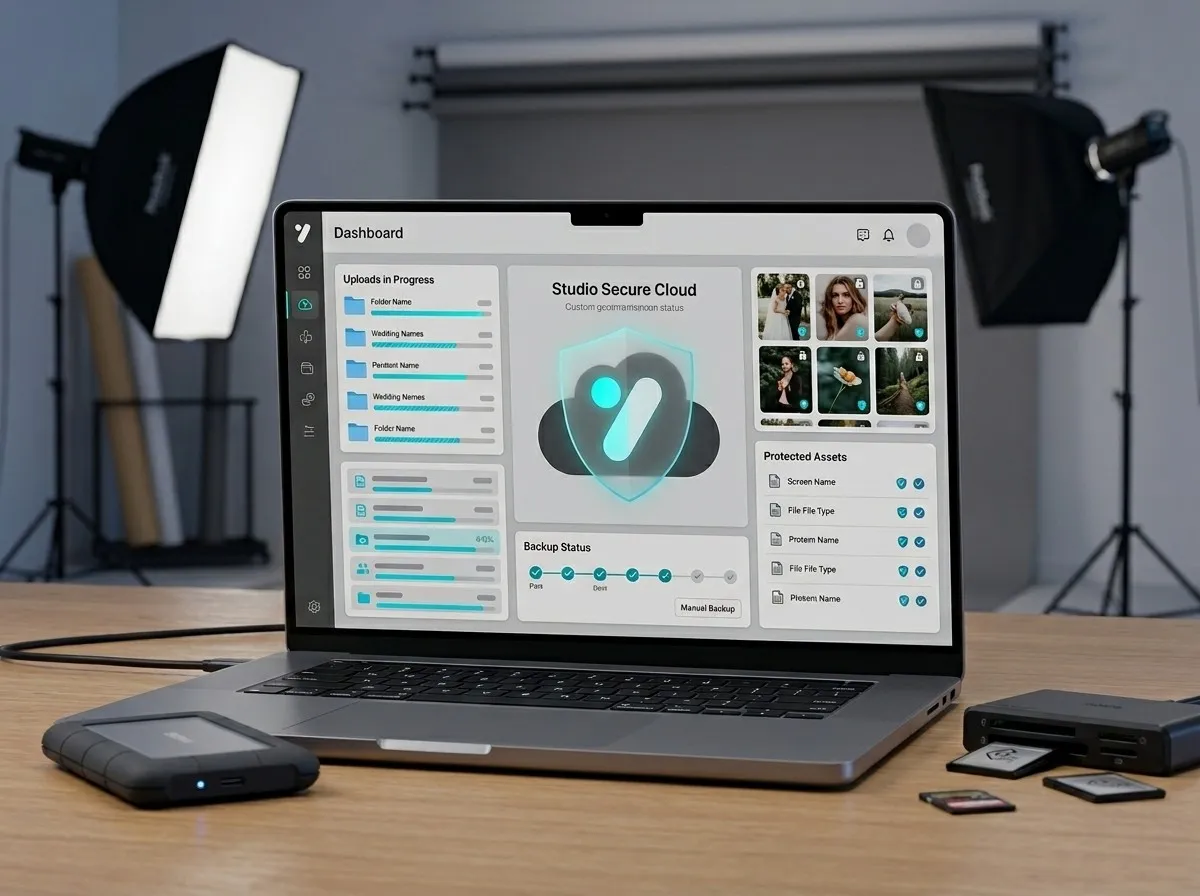
Built for real studio file volume
Photography teams handle large file movement every week: RAW backups, shortlisted sets, edited previews, and final delivery exports. Generic drive tools become messy as business grows. Our cloud storage service is structured around studio jobs so your team can upload, find, and share the right files quickly.
Every project can be grouped by lead, booking, and shoot date. This helps your sales and production teams stay aligned even when multiple jobs run in parallel. Instead of searching across random folders, staff can access a consistent structure that supports faster turnaround and fewer handover errors.
Secure access with practical controls
Client media is sensitive. We keep storage access practical and controlled with account-level permissions and team-specific visibility. Your editors can access ongoing work, while finance or sales users can review status without full raw asset access.
The goal is simple: make storage operationally usable without exposing more data than needed. This reduces accidental sharing risk and improves internal compliance for growing studios.
Flexible scaling during peak season
Wedding and festive seasons create upload spikes. Our model supports burst usage so you can scale storage without buying oversized fixed plans for the full year. You use more only when business needs more.
That flexibility keeps cost planning realistic for owners and avoids lost projects caused by sudden storage limits.
Capabilities
Cloud Storage in Photo Studio CRM
Organized folders by client, event, and delivery stage
Usage-based billing with transparent storage monitoring
Fast retrieval for editors, designers, and sales teams
Role-based access so each team member sees only required data
How it works
Step by step
- 1
Initial storage planning based on your current monthly uploads and archive policy.
- 2
Folder structure setup mapped to your booking and delivery workflow.
- 3
Team access rule configuration by role and operational responsibility.
- 4
Go-live support with monitoring dashboard and usage optimization.
Benefits
Why it matters
Faster file handover between editing and delivery teams
Lower risk of lost client files and duplicate storage chaos
Clear visibility into storage usage and monthly cost trends
Better delivery consistency for high-volume studio operations
FAQ
Frequently Asked Questions
Can we migrate our existing client archives to this storage setup?
Yes. We support phased migration so active projects move first and legacy folders can be shifted in structured batches.
Does this work for multiple branches or teams?
Yes. Access can be organized by branch, role, and project ownership to support distributed teams.
How do we track storage usage month by month?
You get clear usage visibility so management can monitor growth, identify spikes, and plan budgets.
Photo Studio CRM
More Photo Studio CRM features
Ready to automate your studio?
Turn WhatsApp enquiries into paid bookings — automatically.