WhatsApp for Business
WhatsApp Business App vs WhatsApp Business API: Which Does Your Business Need?
The free WhatsApp Business app is perfect — until it isn’t. Here’s a plain comparison with the WhatsApp Business Platform, and the signs it’s time to switch.
By 7CRM Team8 min read
“WhatsApp Business” can mean two very different things. One is the free app on your phone. The other is the WhatsApp Business Platform — often called the WhatsApp Business API — which software uses to give whole teams a shared inbox, campaigns and automation. Choosing the wrong one costs either money or missed customers.
The short answer
- WhatsApp Business app: free, on one phone, made for small businesses that answer their own chats.
- WhatsApp Business Platform (API): Meta’s official platform for businesses that need several people, bulk messages to opted-in customers, automation and reports. You use it through software such as WhatsAppBee.
Side-by-side comparison
| WhatsApp Business app | WhatsApp Business Platform (API) | |
|---|---|---|
| Cost | Free app | Software subscription + Meta’s message charges |
| Where you use it | Phone, plus a few linked devices | Browser-based software for the whole team |
| Team members | A few devices share one view | Separate logins, roles and chat assignment |
| Bulk messages | Broadcast lists, only to contacts who saved your number | Campaigns to opted-in contacts, tags or segments |
| Templates | Not needed | Meta-approved templates to start conversations |
| Automation | Greeting, away message, quick replies | Keyword replies and multi-step workflows |
| Reports | Basic message statistics | Delivery, read, response rate, campaign and agent reports |
| Several numbers | One number per app | Several numbers in one inbox |
| Connect to your systems | No | API and webhooks |
When the WhatsApp Business app is enough
Stay with the free app if:
- one or two people answer every chat;
- you message customers one by one;
- you rarely need to reach more than a small list at once;
- you don’t need reports.
It’s a great tool — many businesses never outgrow it.
Signs you’ve outgrown the app
Switch to the platform when you notice these:
- The phone is passed around — or three people are on WhatsApp Web with no idea who is answering whom. (See how to use one WhatsApp number with multiple users.)
- Messages go unanswered at busy times, and nobody notices.
- Offers take hours to send to your customer list.
- You can’t tell what works — which offer got replies, how fast your team responds.
- You have branches with their own numbers.
- Your website or billing system should send WhatsApp updates automatically.
What changes when you move to the platform
Templates for starting conversations
On the platform, you can reply freely within 24 hours of a customer’s last message. To start a conversation — or message after 24 hours — you use a template approved by Meta. Read the WhatsApp 24-hour rule explained.
Opt-in for promotions
Promotional messages may only go to customers who have opted in. Good platforms record opt-in for each contact and enforce it in campaigns.
Meta’s message charges
Meta charges for messages by category — marketing, utility, authentication and service — separately from the software subscription. Rates change over time, so check Meta’s current pricing for India.
Your number
The number must be registered on the WhatsApp Business Platform. A number that is active on the normal WhatsApp app may need to be moved or registered first.
Is the WhatsApp Business API safe?
Yes — it is Meta’s official platform, unlike modified WhatsApp apps and unofficial “bulk sender” tools, which are the usual reason business numbers get banned. Safety still depends on following the rules: opt-in, approved templates and messages customers actually want. See how to send bulk WhatsApp messages safely.
How to get started on the platform without coding
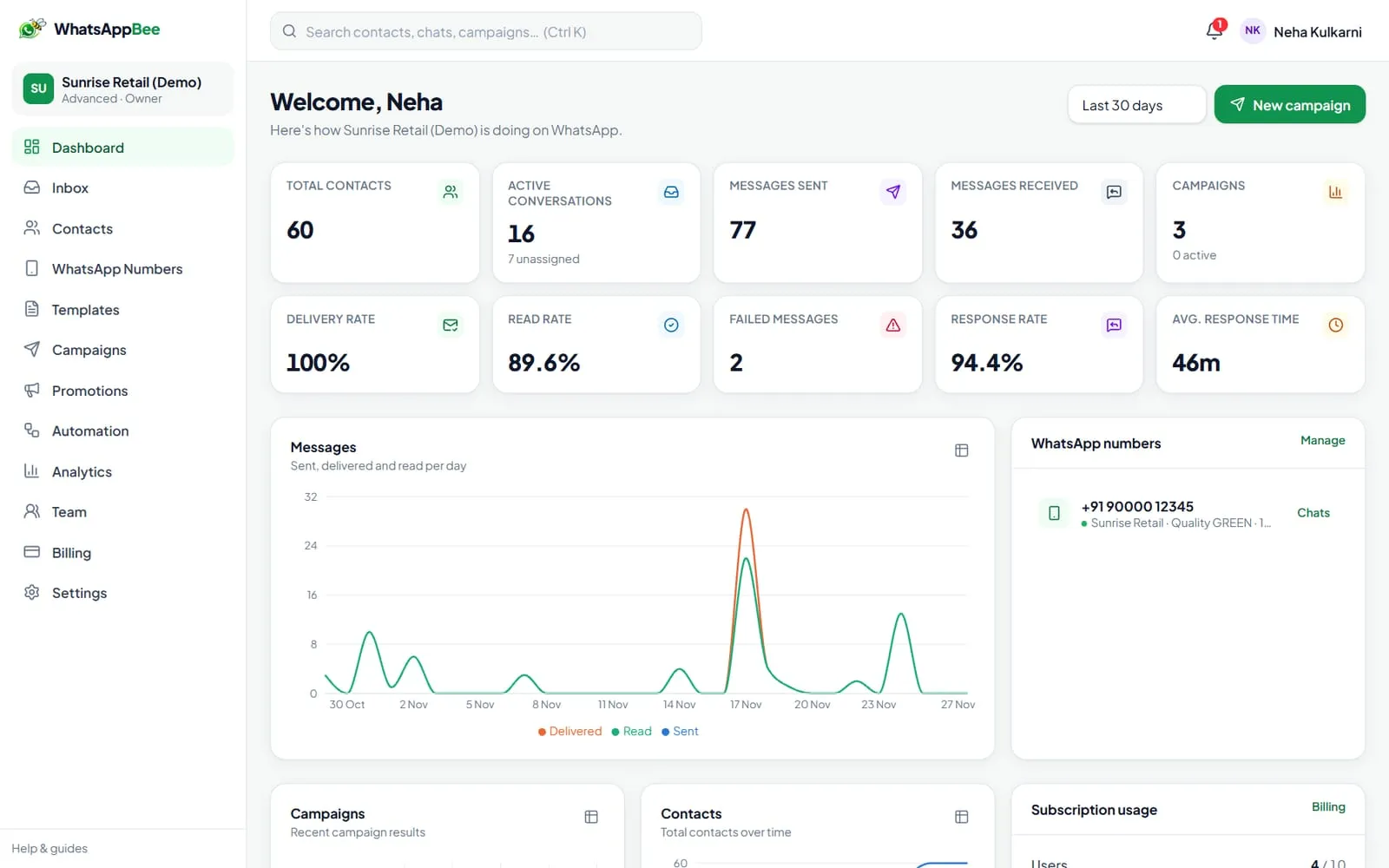
The raw API is for developers. A platform such as WhatsAppBee wraps it in an app your team can use the same day:
- Sign up — the free trial starts immediately.
- Connect your number through Meta’s official platform (the WhatsAppBee team can help).
- Import contacts from CSV and sync or create templates.
- Invite your team and start chatting, sending campaigns and setting up automations.
Frequently asked questions
Is the WhatsApp Business API free?
The platform itself is accessed through software or your own development, and Meta charges for messages by category. The free option is the WhatsApp Business app.
Can I use the WhatsApp Business app and the API on the same number?
Plan for the number to be registered on the platform. A number active on the normal WhatsApp app may need to be moved or registered first; ask your provider for the current options.
Do I need a developer to use the WhatsApp Business API?
Not if you use a ready platform such as WhatsAppBee. Developers can still use its API and webhooks to connect your website, CRM or ERP.
Ready to move beyond the app?
WhatsAppBee gives you the WhatsApp Business Platform without the code: a shared team inbox, bulk campaigns, automation, templates and reports. See all features or start the free trial.