HotelBee · Setup & Knowledge Base
Set Up Your AI Receptionist in 9 Steps
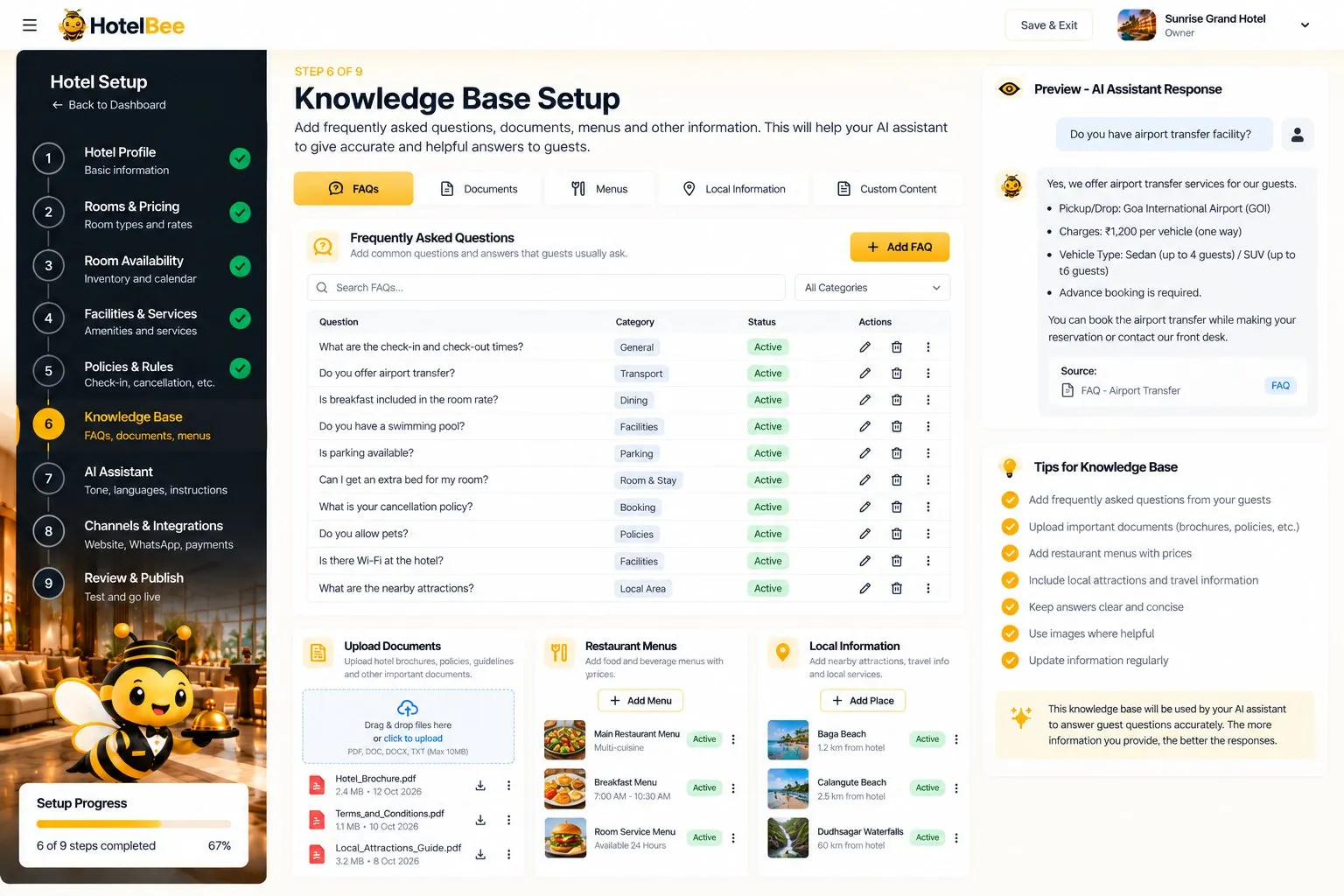
An AI receptionist is only as good as what it knows. HotelBee’s setup wizard walks you through your hotel’s facts once, in nine steps, and the AI answers guests only from them.
Your hotel profile becomes your public hotel page, rooms and availability drive the booking page, and the knowledge base answers the questions guests ask every day. You can edit any of it later.
Capabilities
Setup & Knowledge Base in HotelBee
Hotel profile
Name, type, address, contact, photos and description.
Rooms & pricing
Room types, occupancy, beds, amenities, base rates and photos.
Room availability
Inventory and a calendar to block dates or mark maintenance.
Facilities & policies
Facilities with hours; check-in, cancellation, ID, pets and payment rules.
Knowledge base
FAQs, menus with prices, nearby places and uploaded documents.
Test & publish
A checklist and test chat, then publish your page and widget.
How it works
Step by step
- 1
Profile, rooms, availability
Steps 1–3.
- 2
Facilities, policies, knowledge
Steps 4–6.
- 3
AI assistant & channels
Steps 7–8: tone, languages, chat widget, payments, booking mode.
- 4
Review & publish
Step 9: test chat, then go live.
Benefits
Why it matters
Accurate answers
The AI uses only your facts.
Quick start
Sign up in minutes with a free trial.
Your hotel page
The profile becomes a public, bookable page.
Always editable
Change rates, policies or FAQs any time.
FAQ
Frequently Asked Questions
How long does setup take?
You can sign up in under a minute; how long the wizard takes depends on how much you enter, and you can save and come back.
Can I add the chat to my own website?
Yes. Paste one line of widget code before </body> on your site.
Is there a free trial?
Yes. Every new hotel starts a 14-day free trial with all features, no card needed.
HotelBee
More HotelBee features
Give your hotel a receptionist that never sleeps
Start the 14-day free trial — no card needed.