WhatsAppBee · Team & Permissions
Team Roles and Permissions for WhatsApp
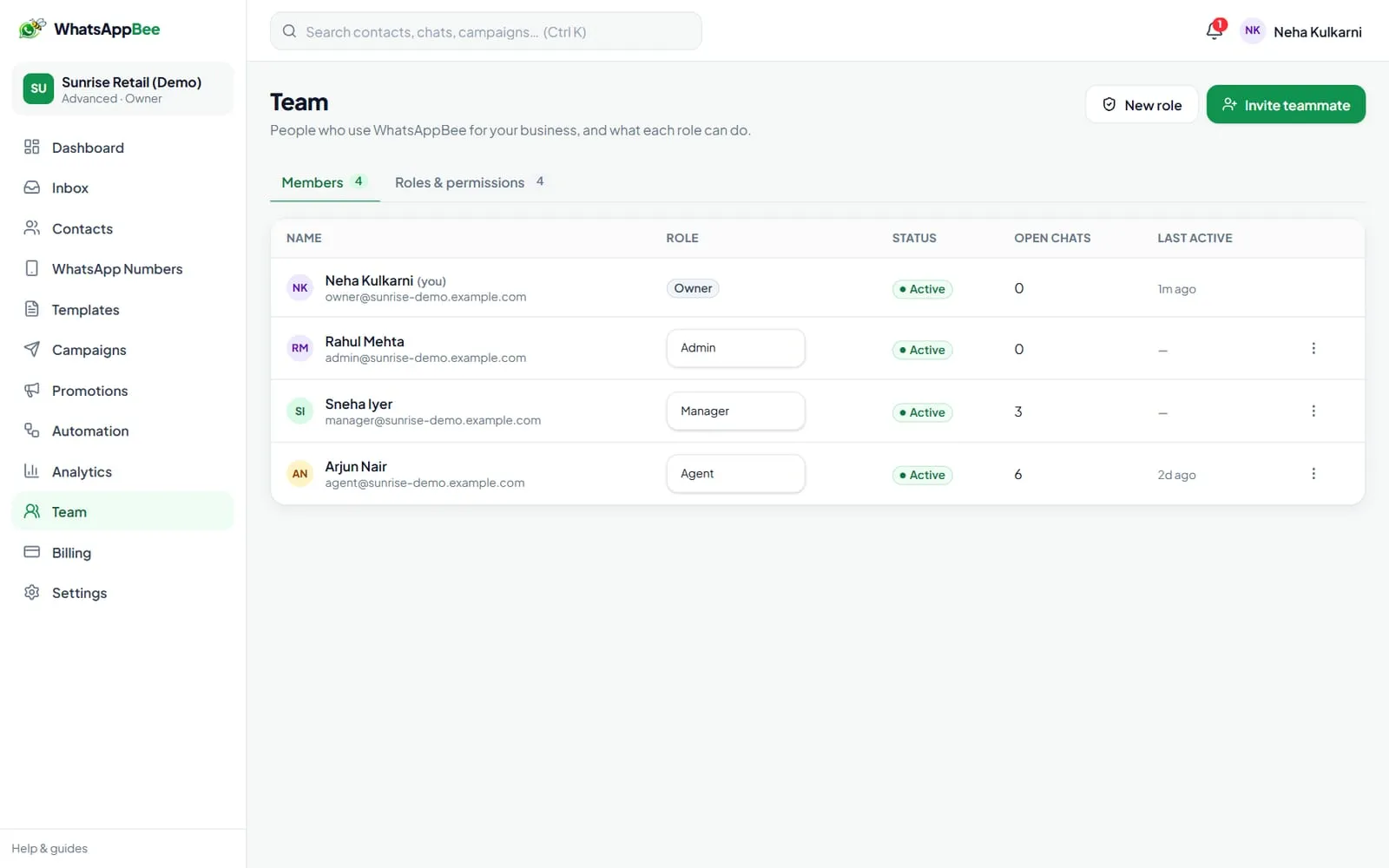
Not everyone on the team needs to send campaigns or see every chat. WhatsAppBee comes with Owner, Admin, Manager and Agent roles, and you can create custom roles with exactly the permissions you choose.
Invite teammates by email, limit agents to the chats assigned to them, and keep an audit log of important actions.
Capabilities
Team & Permissions in WhatsAppBee
Built-in roles
Owner, Admin, Manager and Agent.
Custom roles
Pick the permissions each role gets.
Email invites
Teammates join with their own login.
Assigned chats only
Agents can be limited to their own chats.
Audit log
A record of important actions.
Workload view
Open chats per team member.
How it works
Step by step
- 1
Choose roles
Use the built-in ones or make your own.
- 2
Invite
Send email invites to your team.
- 3
Assign chats
Manually or with automations.
- 4
Review
Check workload and the audit log.
Benefits
Why it matters
Right access
Each person sees what they need.
Accountability
Know who did what.
Easy onboarding
New staff join with an email invite.
Grows with you
Add users as your plan allows.
FAQ
Frequently Asked Questions
How many users can I add?
Each plan has its own user limit; see the pricing page at whatsappbee.7crm.in/pricing.
Can I sign in with Google?
Not yet. Team members sign in with email and password.
WhatsAppBee
More WhatsAppBee features
Bring every WhatsApp chat into one place
Start the free trial — connect your number and send your first campaign.