WhatsAppBee · Message Templates
WhatsApp Message Templates — Create, Submit and Track Approval
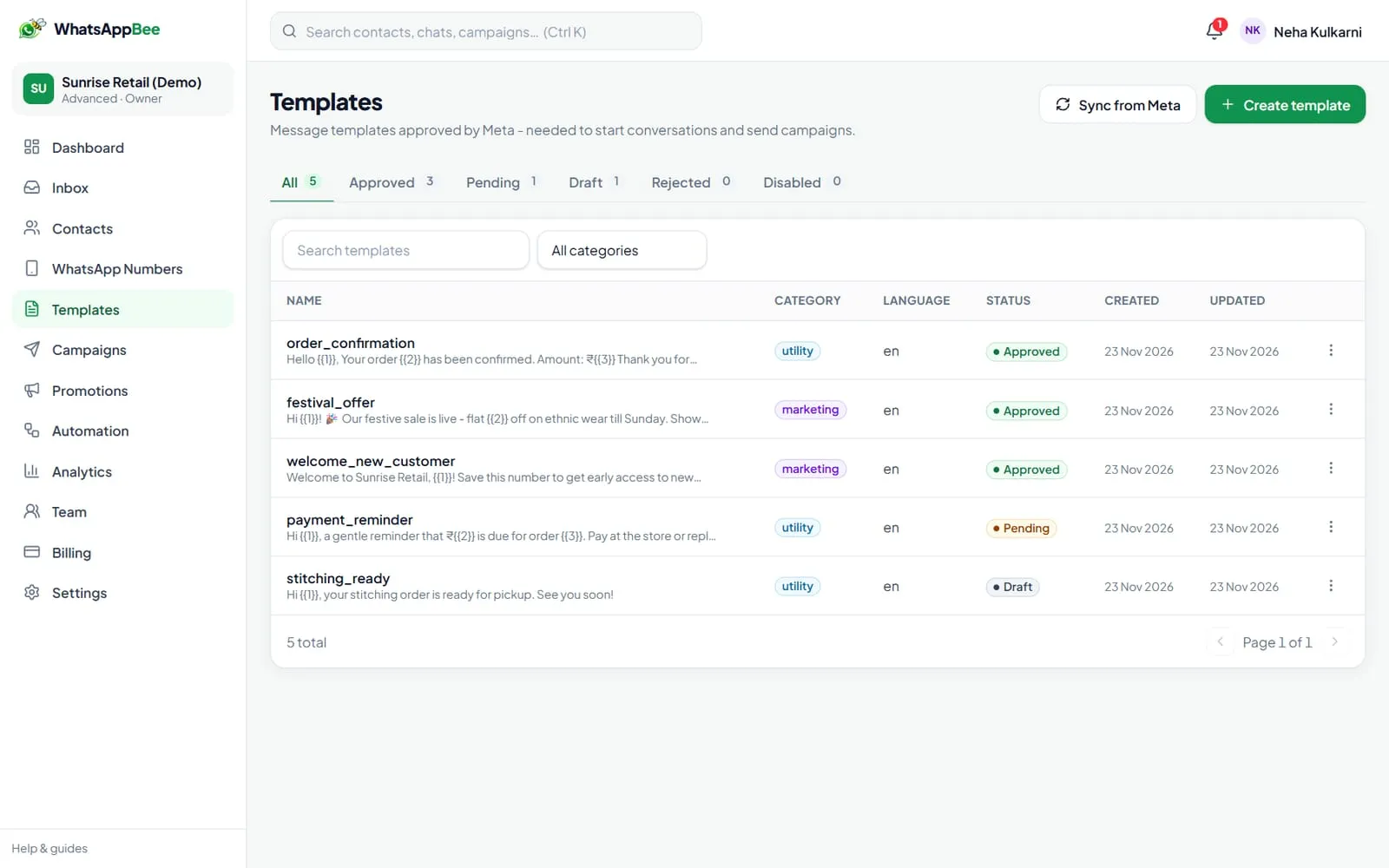
To start a conversation, or to message a customer after 24 hours, WhatsApp requires a template that Meta has approved. WhatsAppBee lets you create those templates, submit them for approval and see the result in one list.
Templates can carry variables such as the customer’s name, a header image or document, and buttons. Already have templates on your WhatsApp account? Sync them in.
Capabilities
Message Templates in WhatsAppBee
Three categories
Marketing, utility and authentication.
Variables
Personalise with names, order numbers and amounts.
Media & buttons
Header images or documents, and buttons.
Submit to Meta
Send for approval from WhatsAppBee.
Status tracking
Approved, pending, rejected — at a glance.
Sync existing
Pull in templates already on your account.
How it works
Step by step
- 1
Write the template
Text, variables, header and buttons.
- 2
Submit
Meta reviews the template.
- 3
Track
See approved or rejected in the list.
- 4
Use it
In the inbox, campaigns and automations.
Benefits
Why it matters
Restart any chat
Message customers outside the 24-hour window.
Consistent messages
Order updates and offers that look right every time.
One place
No switching to Meta’s tools for each template.
Ready for campaigns
Approved templates power bulk sends.
FAQ
Frequently Asked Questions
Does WhatsAppBee guarantee template approval?
No. Meta reviews every template and decides on approval.
What are template categories?
Marketing (offers and promotions), utility (order and account updates) and authentication (one-time codes). Meta prices each category differently.
WhatsAppBee
More WhatsAppBee features
Bring every WhatsApp chat into one place
Start the free trial — connect your number and send your first campaign.