CaptureBee · Client Galleries
Client Galleries with Online Photo Selection
Upload photos and CaptureBee creates fast previews automatically. Your client gets a private link — and a QR code for the album box — that opens a full-screen gallery with your branding on any phone.
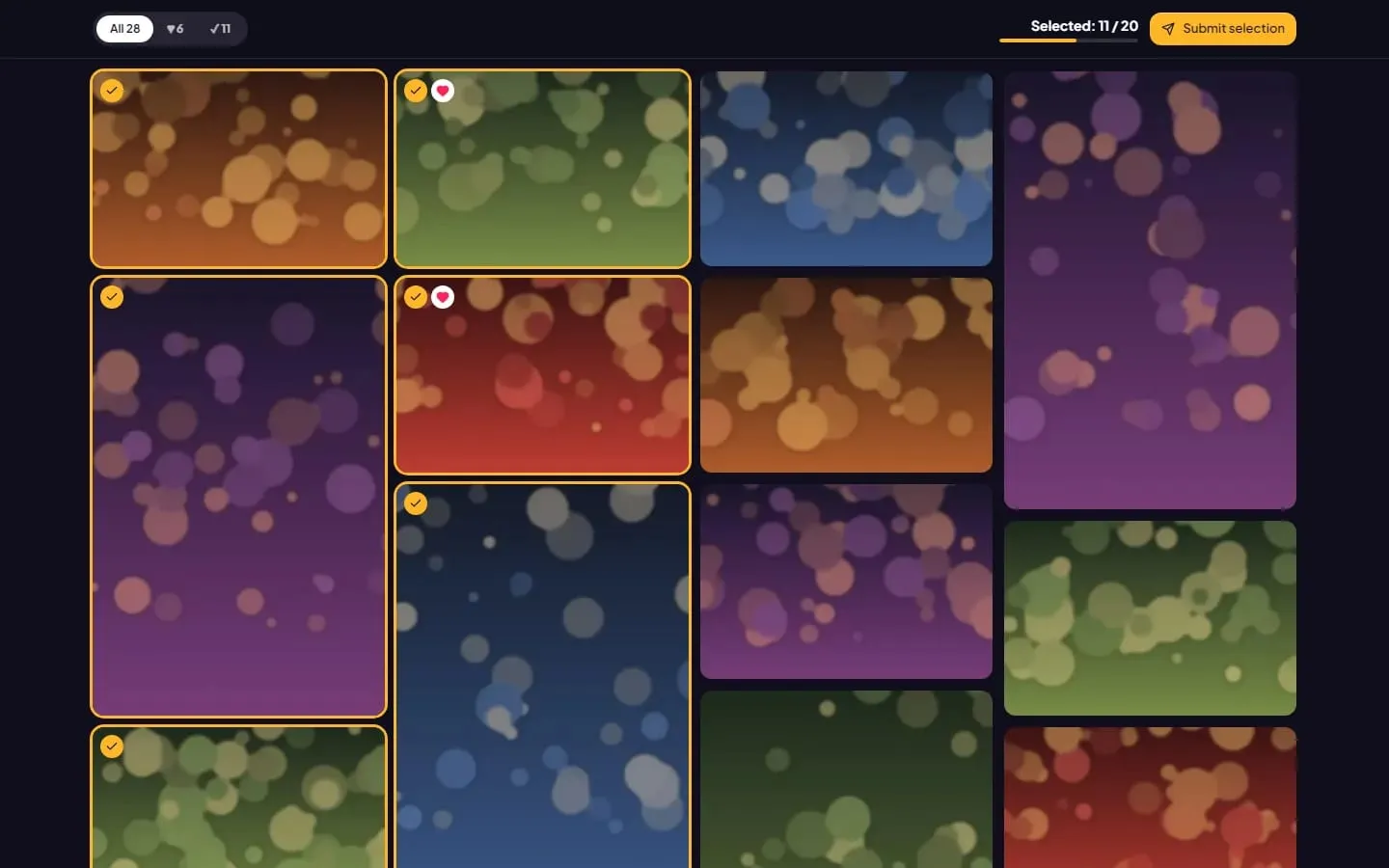
Turn on photo selection with a limit, say 80 for a wedding album. Clients favourite and select, see “Selected: 11 / 20” as they go, comment on a photo and submit. You approve and lock the selection, then copy the file names into Lightroom or export a CSV.
Capabilities
Client Galleries in CaptureBee
Private links
Optional password and expiry date per gallery.
Selection limit
Clients see “Selected: 11 / 20” as they pick.
Comments
Clients note the edits they want on a photo.
Approve & lock
Or request changes from the client.
Copy file names
Filter the selection in Lightroom, or export CSV.
Watermark & downloads
Watermarked previews; downloads on or off.
How it works
Step by step
- 1
Upload
Previews are made automatically.
- 2
Share
Link, WhatsApp or QR code.
- 3
Client selects
Within your limit, then submits.
- 4
Approve & edit
Copy file names into your editor.
Benefits
Why it matters
No WhatsApp chaos
No more “the 4th photo in the 3rd forward”.
Faster albums
A clean list to edit from.
Protected work
Passwords, expiry and watermarks.
Happy clients
A gallery they enjoy opening.
FAQ
Frequently Asked Questions
Do clients need an account?
No. They open the private link, plus the password if you set one.
Does the order move forward?
Yes. Sharing the gallery and approving the selection move the order along automatically.
Run your photography business from one app
Start the 14-day free trial — add your packages and send your first quotation today.