CaptureBee · Quotations & Packages
Photography Quotations Clients Accept Online
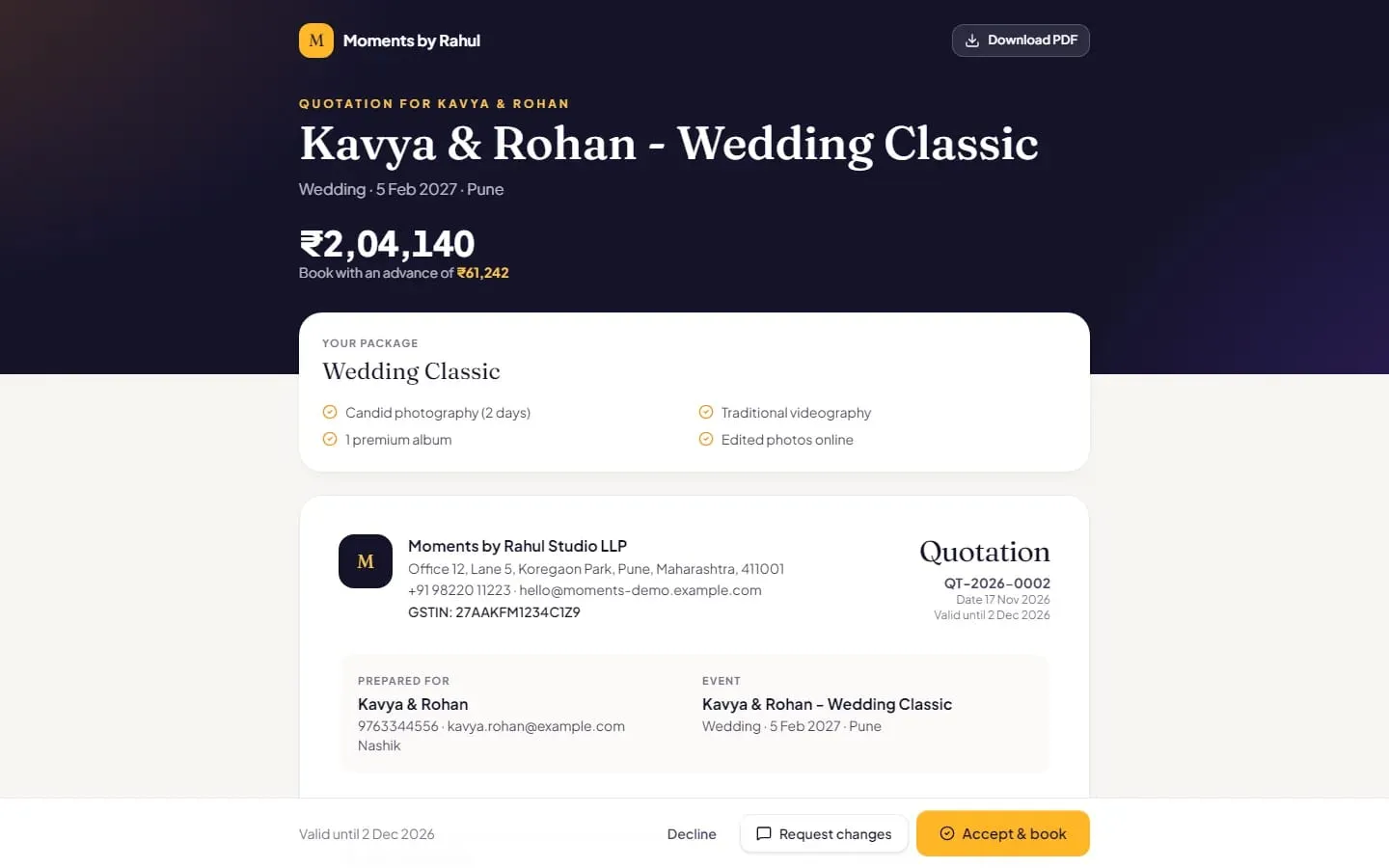
Set up your packages and a service price list once, then build a quotation in a minute: CaptureBee works out the subtotal, discount, GST, total, advance and balance, with your terms and payment details added automatically.
Share it on WhatsApp or email. Your client opens a clean, mobile-friendly page and chooses Accept & book, Request changes or Decline — and when they accept, the order is created and the lead moves to Booked.
Capabilities
Quotations & Packages in CaptureBee
Packages & price list
Reusable packages and services such as candid per day, drone or a 40-sheet album.
Totals worked out
Discount, GST, advance, balance and validity.
Online acceptance
Accept & book, request changes or decline from the phone.
View tracking
See when and how often the client opened it.
PDF download
Clients and you can download a PDF any time.
AI drafter
Turn “2-day wedding in Pune, candid + video” into a draft from your own packages.
How it works
Step by step
- 1
Pick a package
Or quick-add services.
- 2
Adjust
Discount, GST and advance are calculated.
- 3
Share
On WhatsApp or email.
- 4
Client accepts
The order is created automatically.
Benefits
Why it matters
Faster replies
A professional quotation in a minute.
Consistent pricing
Every quote uses the same packages and terms.
Fewer calls
Clients accept online instead of “confirming tomorrow”.
Know who’s interested
View tracking shows who opened it.
FAQ
Frequently Asked Questions
Can a client pay the advance from the quotation?
The quotation shows your UPI QR code and bank details; the client reports the payment with its UTR and you confirm it. An online payment gateway for clients is coming soon.
Can I show GST?
Yes. Add your GSTIN and rate in Settings and quotations show the tax line.
Run your photography business from one app
Start the 14-day free trial — add your packages and send your first quotation today.