CaptureBee · Reviews & Profile
Client Reviews and a Public Photographer Profile
The best time to ask for a review is right after the client has their photos. CaptureBee requests one two days after an order is completed, and the client gets a quick page with stars, a few words and a favourite photo.
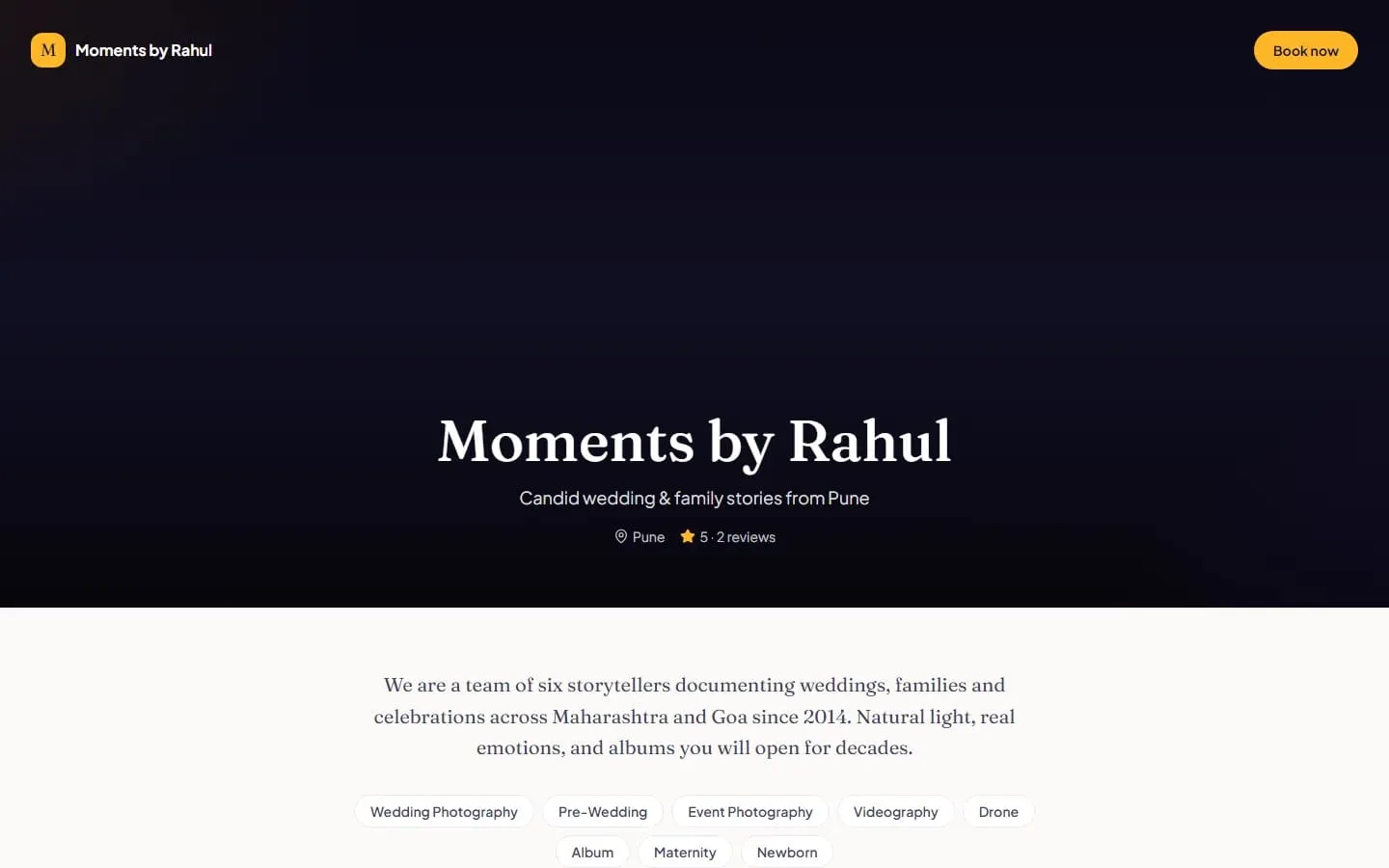
Publish the best reviews on your public profile, alongside your story, services and packages (with or without prices). Every enquiry from the profile arrives as a lead, so nothing gets lost.
Capabilities
Reviews & Profile in CaptureBee
Review requests
Automatic after each completed order.
Approve & publish
Or hide and reply.
Average rating
With the spread of stars.
Public profile
Cover, story, services and packages.
Enquiry form
Enquiries arrive as leads with source “Profile”.
Hide prices
Show packages with or without prices.
How it works
Step by step
- 1
Deliver
Complete the order.
- 2
Request
The review request goes out.
- 3
Publish
The best reviews go on your profile.
- 4
New enquiries
Land in your leads.
Benefits
Why it matters
More reviews
Asked at the right moment.
Trust
Real testimonials next to your packages.
More enquiries
A profile link for Instagram bio and WhatsApp.
No lost leads
Every form fill becomes a lead.
FAQ
Frequently Asked Questions
Can clients book and pay from the profile?
Enquiries come in as leads today. Online booking with an advance payment is coming soon.
Can I collect Google reviews?
Add your Google review link to the review request template if you want Google reviews too.
Run your photography business from one app
Start the 14-day free trial — add your packages and send your first quotation today.