SchoolBee · Assessments & Results
Assessment and Result Management for Schools
Exam and term results usually travel through several hands before they reach a report card. SchoolBee keeps the whole flow in one place: the office creates an assessment for the classes involved, teachers enter results for their sections, and results are reviewed and published.
Because every result is stored against the student and class, you get class averages, grade distributions and entry status without collecting spreadsheets from each teacher.
Capabilities
Assessments & Results in SchoolBee
Assessments per year
Create assessments such as Term 1 for selected classes, with start and end dates.
Copy from earlier
Start a new assessment by copying the setup of an earlier one.
Section-wise result entry
Teachers enter results for their own sections; the office sees who has finished.
Student results
View each student’s result for an assessment in one place.
Class result summary
Averages per area and grade or rating distribution for each class.
Entry status tracking
See which classes are entering, ready or published for every assessment.
How it works
Step by step
- 1
Create the assessment
Pick the academic year, classes and dates.
- 2
Teachers enter results
Each section’s teacher fills in results for their students.
- 3
Review
Check entry status and class summaries.
- 4
Publish
Share results once everything is complete.
Benefits
Why it matters
No spreadsheet chasing
Results are entered directly into the system by each teacher.
Consistent results
Every class follows the same assessment setup.
Instant analysis
Class averages and distributions are calculated for you.
Full history
Past assessments stay available year after year.
FAQ
Frequently Asked Questions
Can different teachers enter results for their own sections?
Yes. Result entry is section-wise, and the office can see the entry status of every class.
Can I reuse an assessment setup?
Yes. When creating a new assessment you can copy from an earlier one.
Is this different from preschool progress reports?
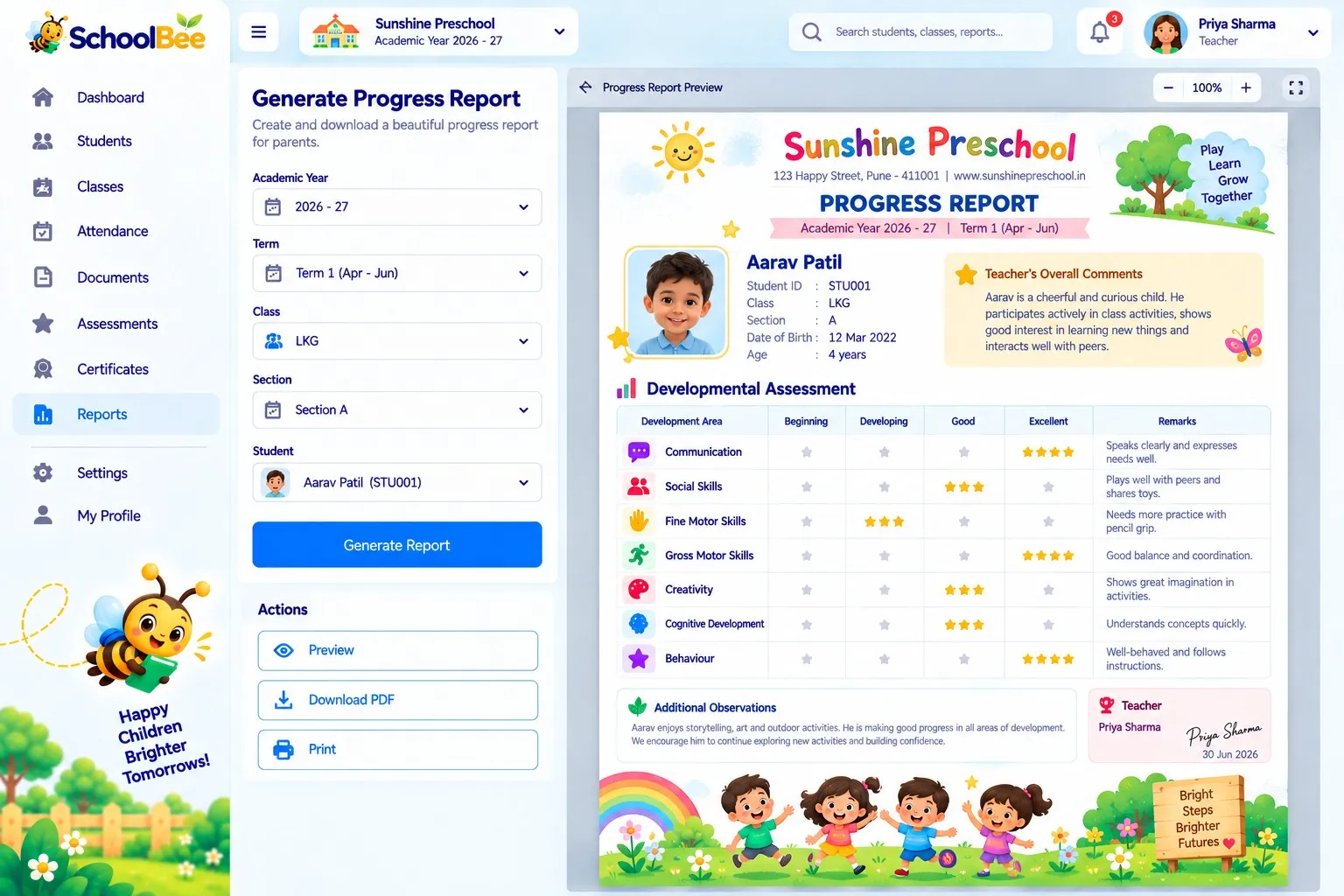
Yes. Assessments handle term results; preschool progress reports track development through activities and star ratings. See the Progress Reports page.
Make school management simple
Start your free 30-day trial — all features included.