SchoolBee · Reports
School Reports and Analytics
Every module in SchoolBee feeds its reports, so the numbers school owners ask for are always one click away — no exporting to spreadsheets and adding things up.
Reports are grouped by area, can be filtered by year, class, section or date range, and can be printed. Advanced fee, payroll and result reports are included in the Standard and Premium plans.
Capabilities
Reports in SchoolBee
Students
Student directory, new admissions, class strength, parent contact list, birthdays and incomplete profiles.
Attendance
Daily summary, monthly register, attendance % by student, frequent absentees and registers not taken.
Fees
Fee collection day book, outstanding dues and defaulters, summary by class, concessions and additional charges.
Assessments
Class result summary and result entry status.
Staff
Staff directory, payroll summary and staff documents missing.
Documents, certificates & calendar
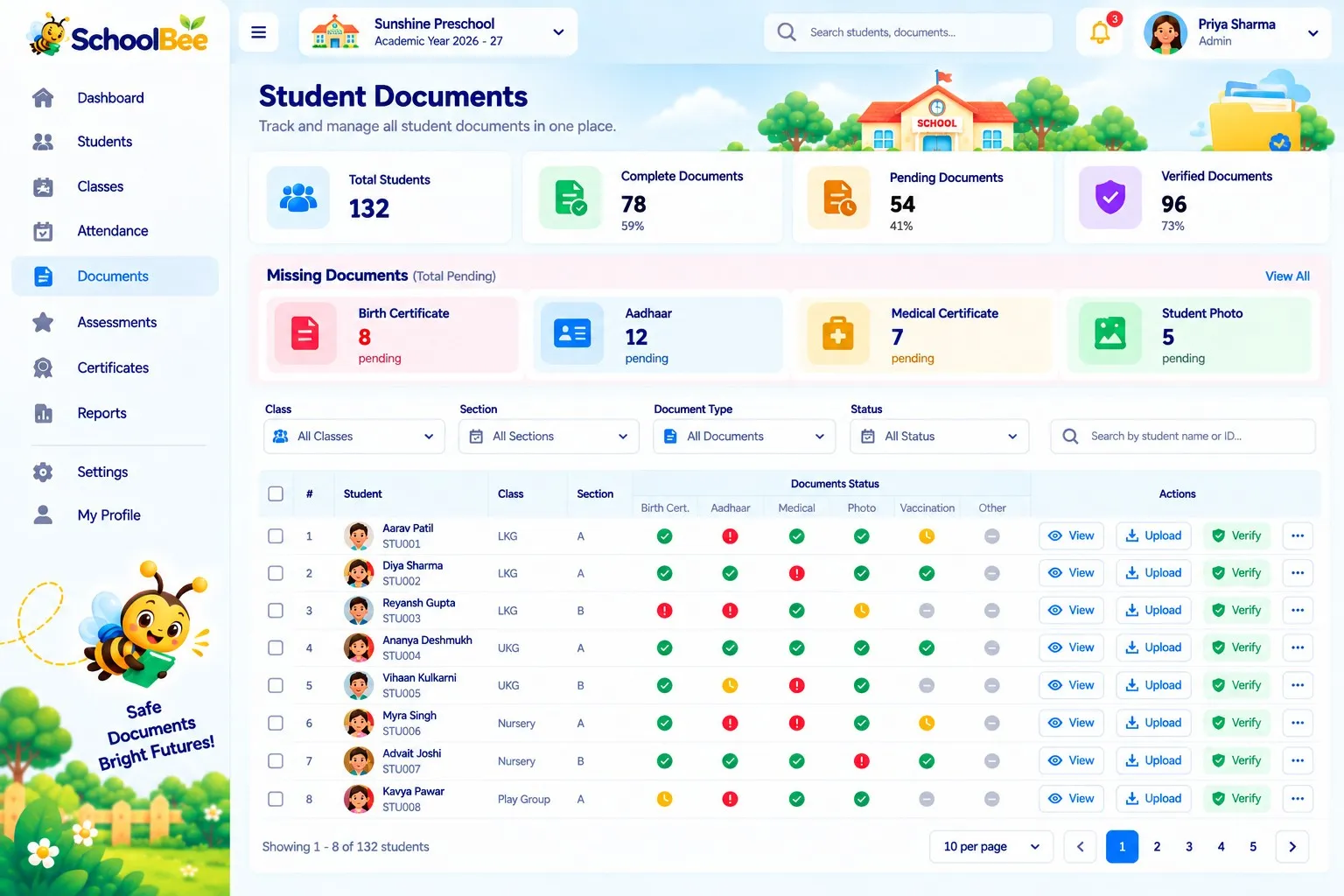
Document compliance, certificates register, and holidays & events.
How it works
Step by step
- 1
Pick a report
Search or browse reports by area.
- 2
Filter
Choose year, class, section, month or date range.
- 3
Review
See totals, charts and the detailed table.
- 4
Print
Print or save the report when you need a copy.
Benefits
Why it matters
Answers in seconds
From “who hasn’t paid?” to “which class has low attendance?”.
Always current
Reports read live data, not last month’s export.
Respects access
Staff only see reports for the sections they’re allowed to.
Better decisions
Spot trends in admissions, dues and attendance early.
FAQ
Frequently Asked Questions
How many reports does SchoolBee include?
24 ready-made reports across students, attendance, documents, fees, assessments, certificates, staff and the calendar.
Are all reports on every plan?
Core reports are available on all plans; advanced fee, payroll and result reports need Standard or Premium.
Can reports be printed?
Yes. Every report can be printed.
Make school management simple
Start your free 30-day trial — all features included.